

Description
Product Overview
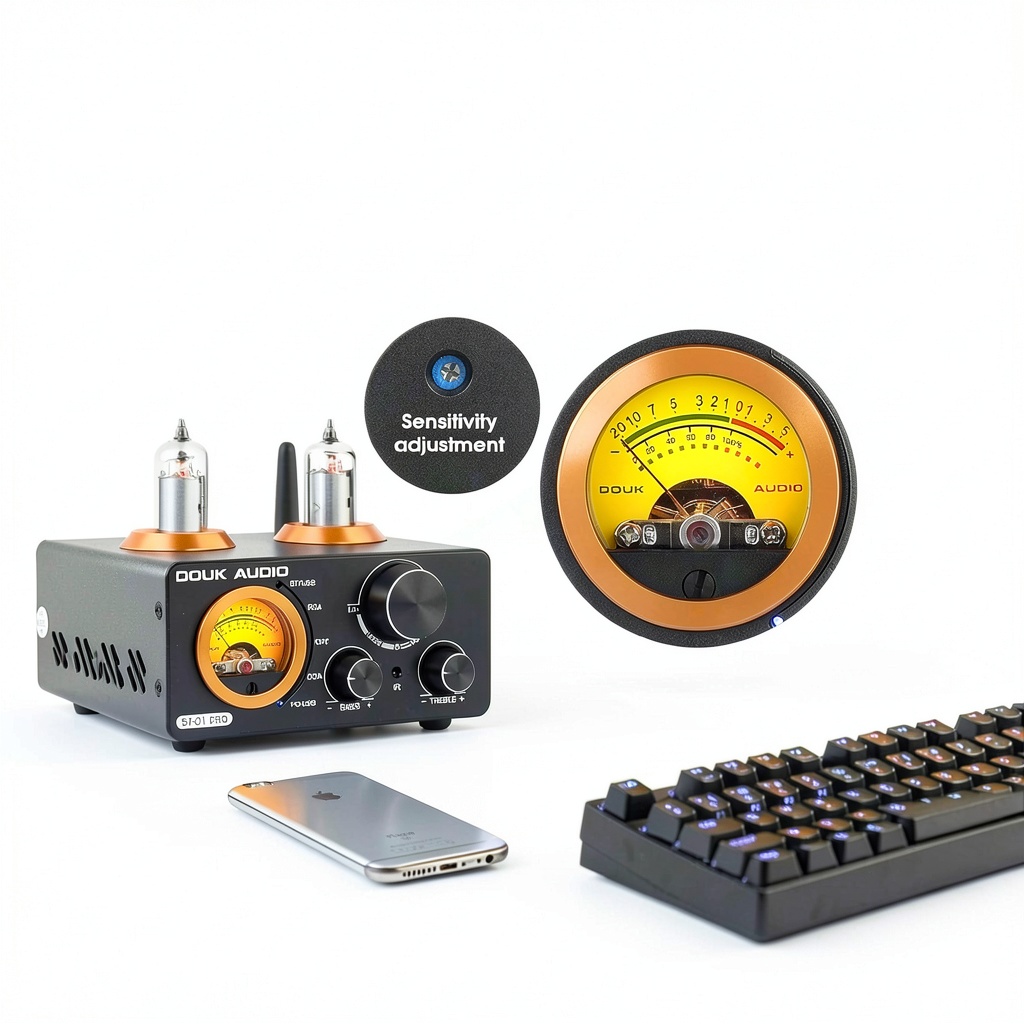
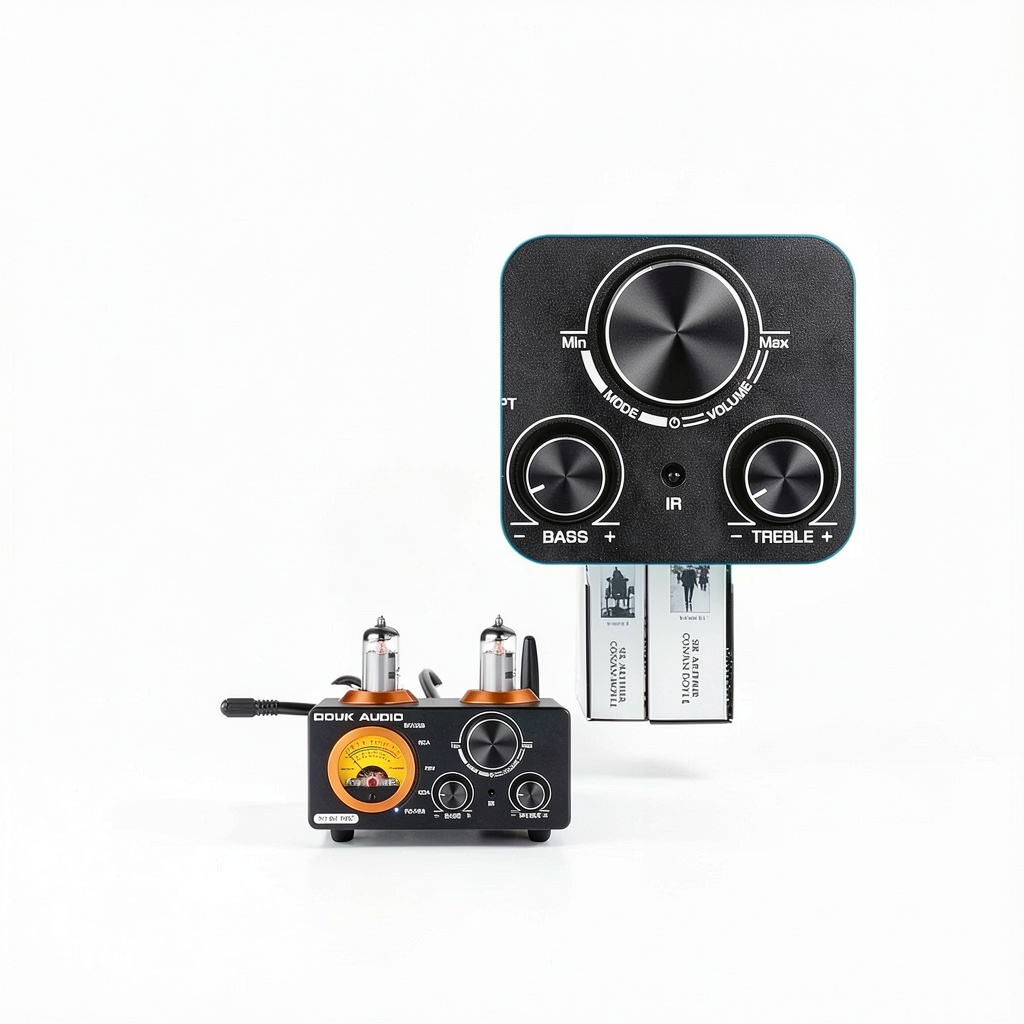
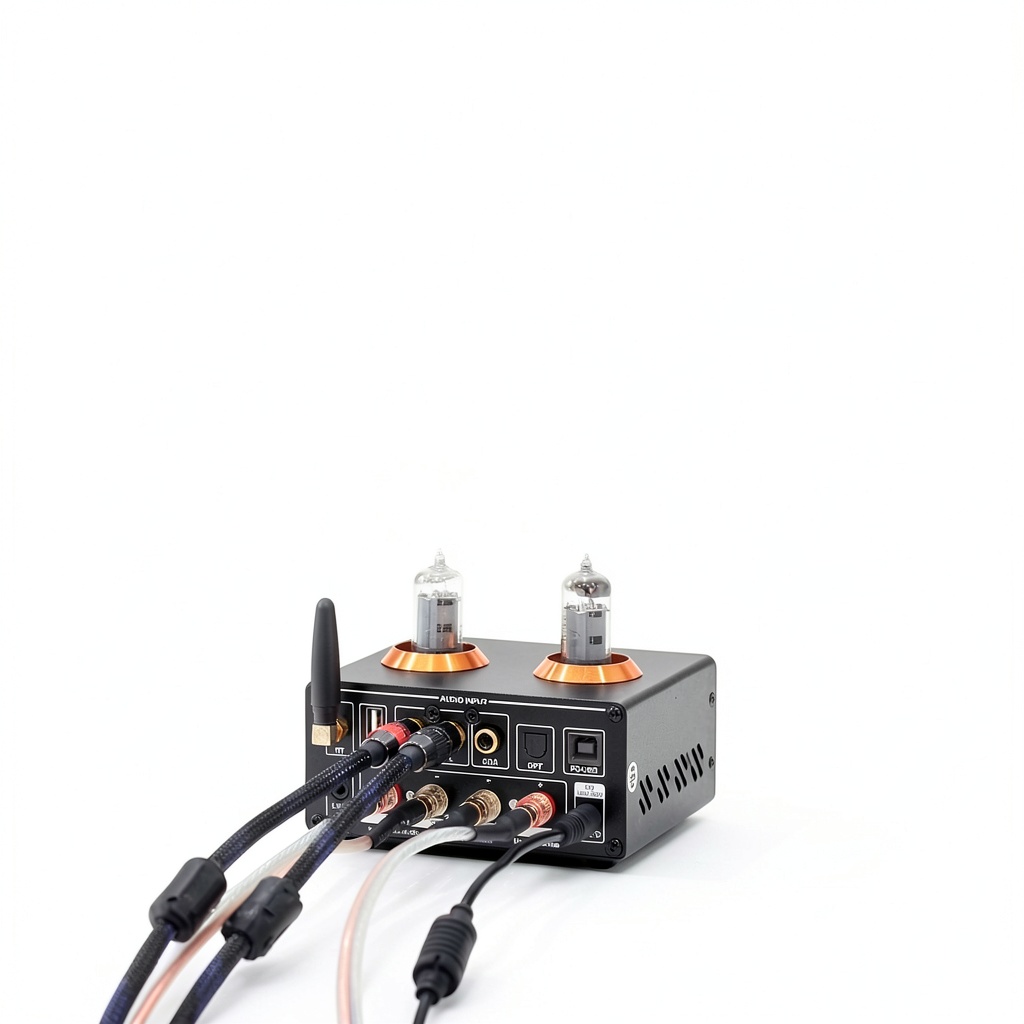
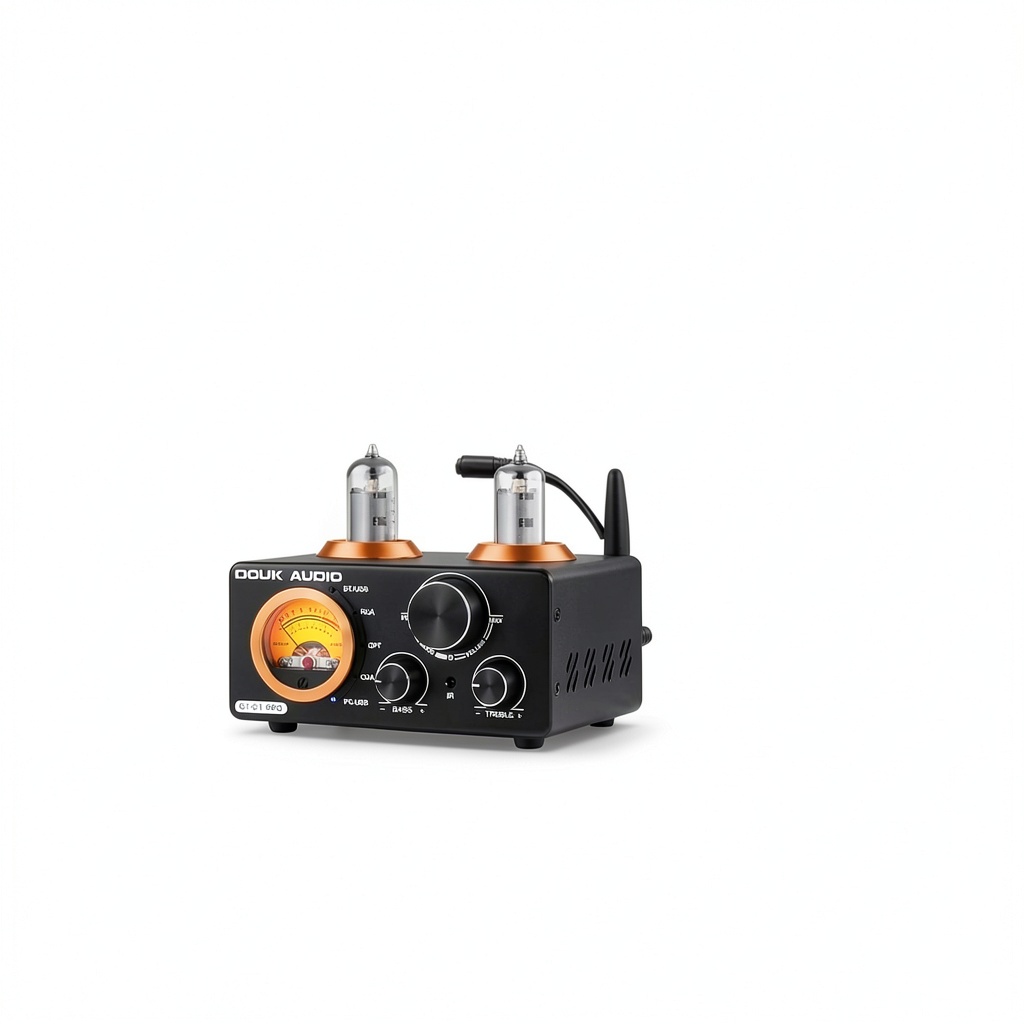
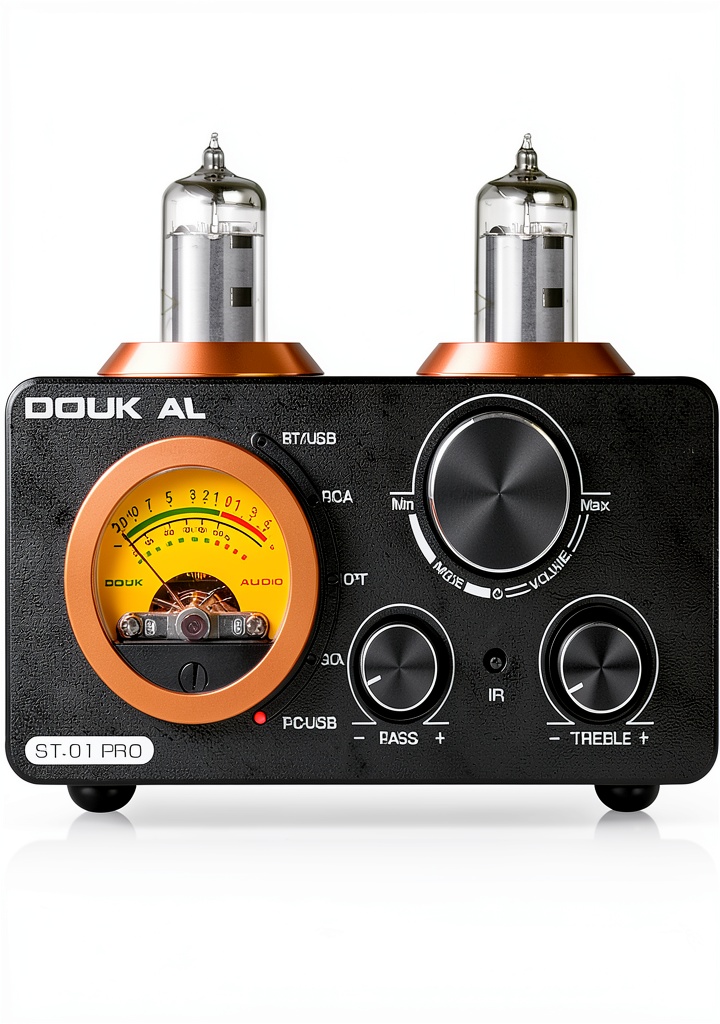
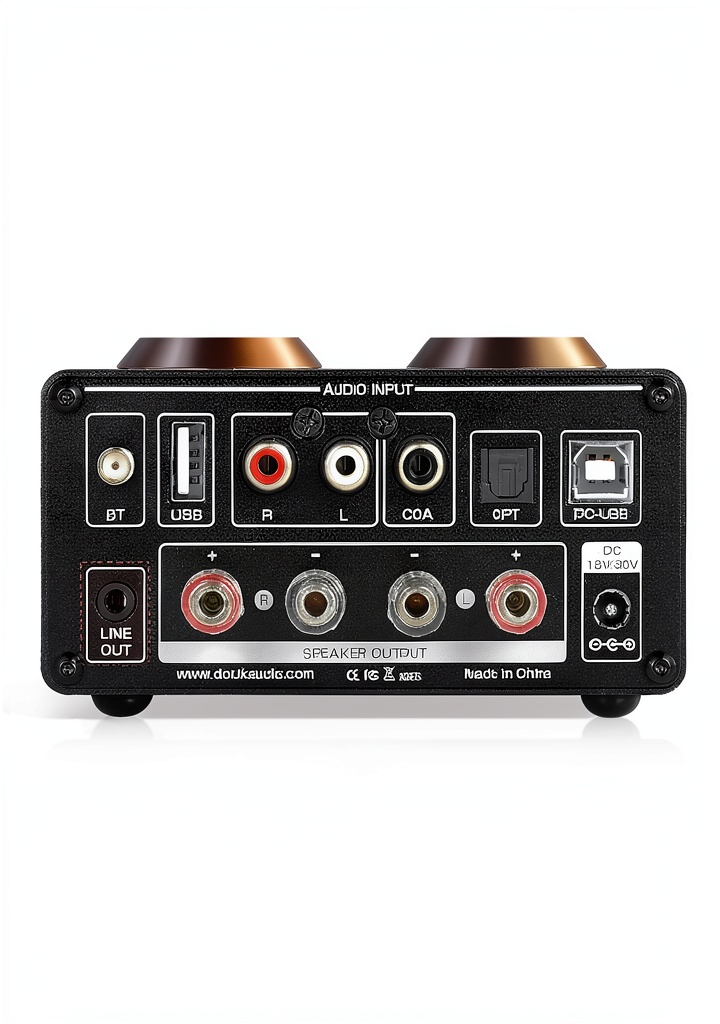
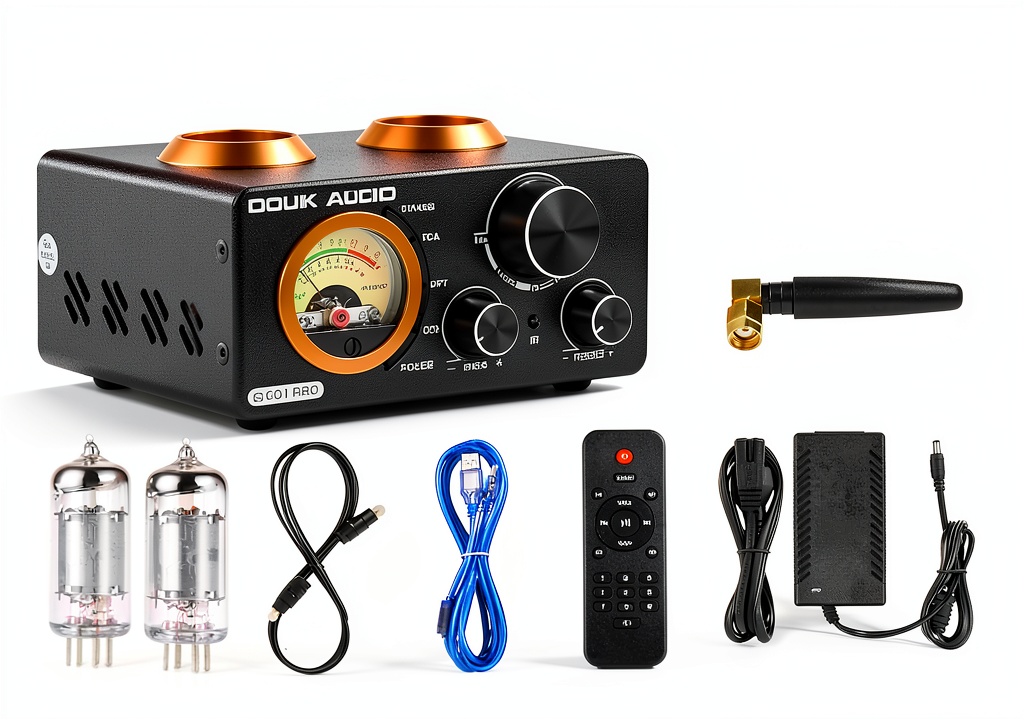
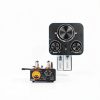
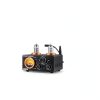
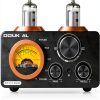
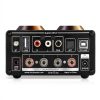
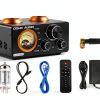
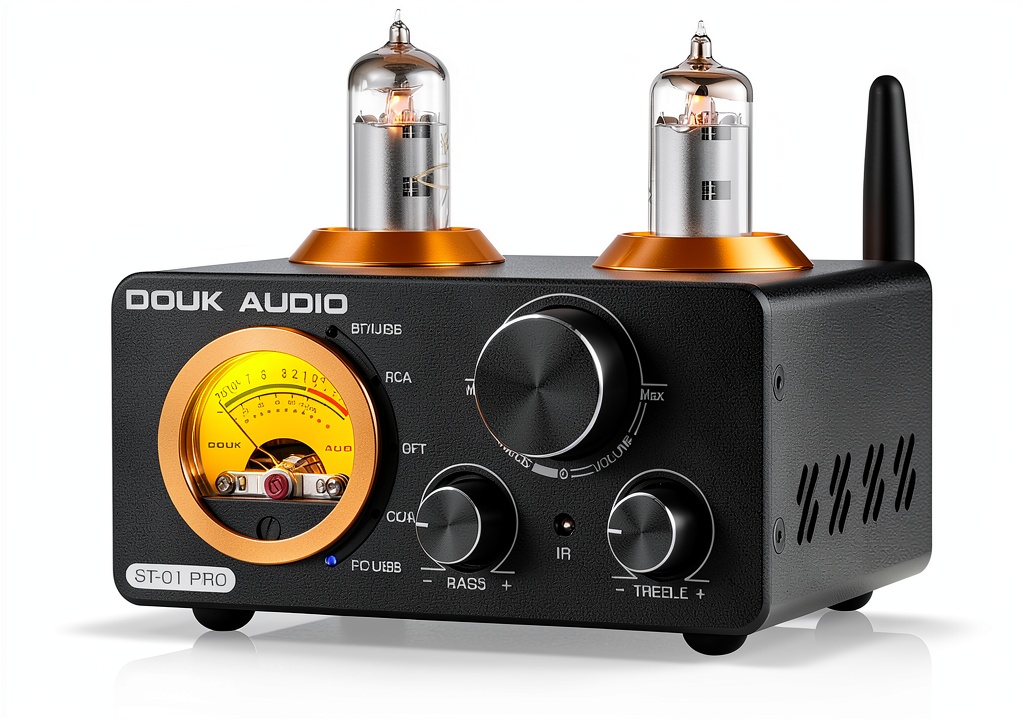
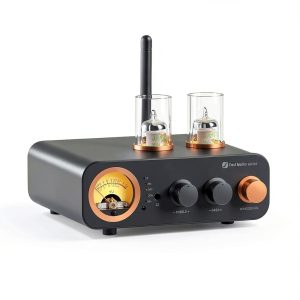
The Douk Audio ST-01 PRO Amplifier is a high-quality, 100W 2 Channel amplifier designed for audiophiles. With its HiFi clear sound and tone control, this amplifier is perfect for those who want to experience music in a new way. The amplifier features multiple digital audio inputs, including Bluetooth 5.0, USB, Coaxial, Optical, and stereo RCA, making it compatible with most audio devices.
Usage
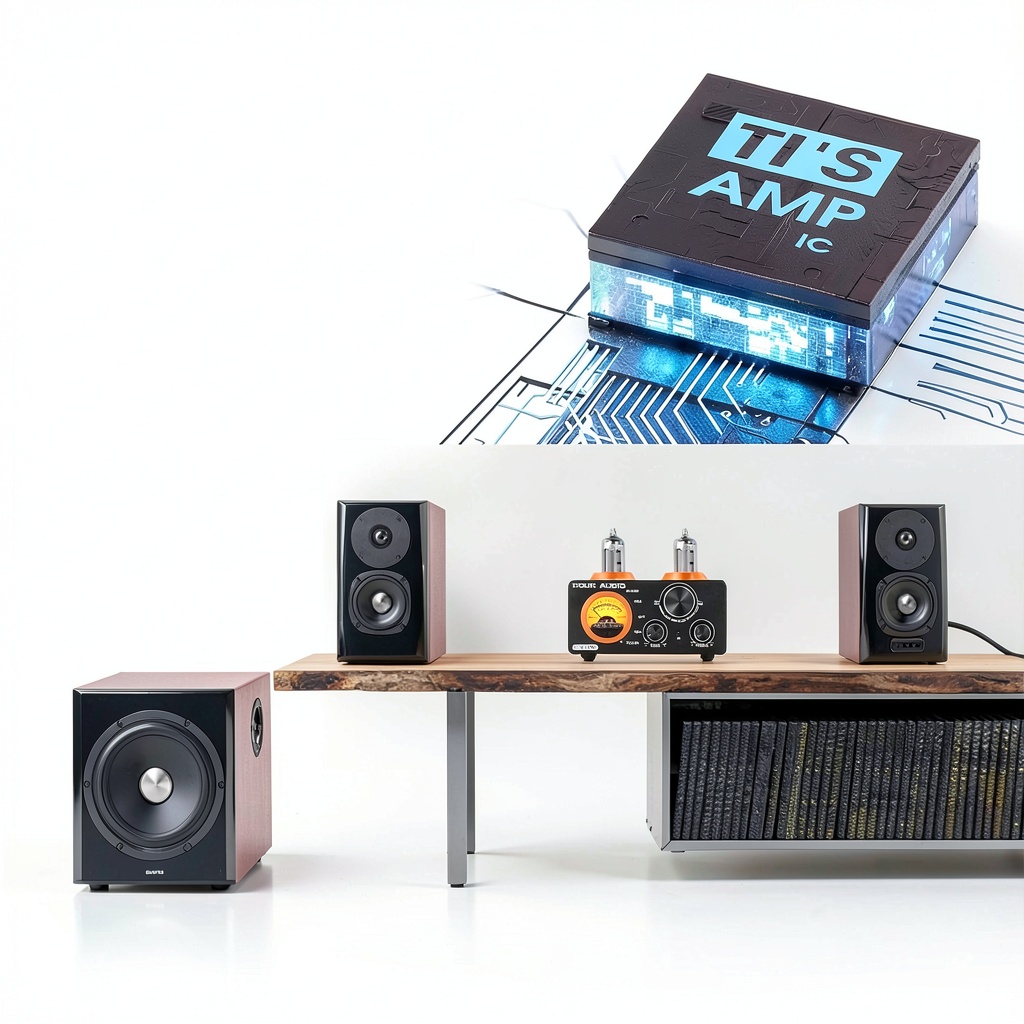
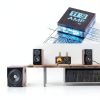
The Douk Audio ST-01 PRO Amplifier is designed for use in a variety of settings, from home theaters to professional audio installations. Its compact size and sleek design make it easy to integrate into any environment. Whether you’re a music enthusiast or a professional audio engineer, this amplifier is sure to meet your needs.
Why Choose Us
Douk Audio is committed to providing high-quality audio products that meet the needs of audiophiles and professionals alike. Our products are designed with precision and care, ensuring that every detail is perfect. With the Douk Audio ST-01 PRO Amplifier, you can trust that you’re getting a product that will deliver exceptional sound quality and reliability.
Key Features
- 100W 2 Channel amplifier with HiFi clear sound and tone control
- Multiple digital audio inputs, including Bluetooth 5.0, USB, Coaxial, Optical, and stereo RCA
- Compact size and sleek design for easy integration into any environment
- Strong output power and special AUX output
- With multiple digital audio inputs and strong output power, this amplifier is perfect for those who want to experience music in a new way
FAQ
What is the warranty period for the Douk Audio ST-01 PRO Amplifier?
The Douk Audio ST-01 PRO Amplifier comes with a 2-year warranty. During this period, you can contact our customer support team for any issues or concerns.
Can I return or exchange the amplifier if I’m not satisfied?
Yes, you can return or exchange the amplifier within 30 days of purchase. Please contact our customer support team for more information.
How do I update the amplifier’s firmware?
To update the amplifier’s firmware, please follow these steps: 1. Download the latest firmware from our website. 2. Connect the amplifier to your computer using a USB cable. 3. Run the firmware update tool and follow the on-screen instructions.
Reviews
There are no reviews yet.